
Data miners typically sell their data products through various methods and platforms. Here are some common ways they do this:
-
Data Marketplaces: These are online platforms where data providers can market, manage, and sell their data. Buyers can browse, compare, and purchase data from multiple sources in one place.
-
Direct Sales: Data miners may sell their data directly to businesses or organizations that need specific information. This often involves creating custom data sets tailored to the buyer’s needs.
-
Third-Party Brokers: Some data miners work with third-party data brokers who handle the sales process. These brokers collect and aggregate data from various sources and sell it to interested buyers.
-
Subscription Models: Data miners may offer their data products through subscription services, where buyers pay a recurring fee to access updated data regularly.
-
Partnerships and Collaborations: Data miners may partner with other companies to integrate their data into larger products or services, enhancing the value of both offerings.
These methods allow data miners to monetize their data products effectively while providing valuable insights to businesses and organizations.
The Mediagration Product Creator allows the automatic creation of audio books. Here is the process:
- The user uploads a text file in the Product Creator
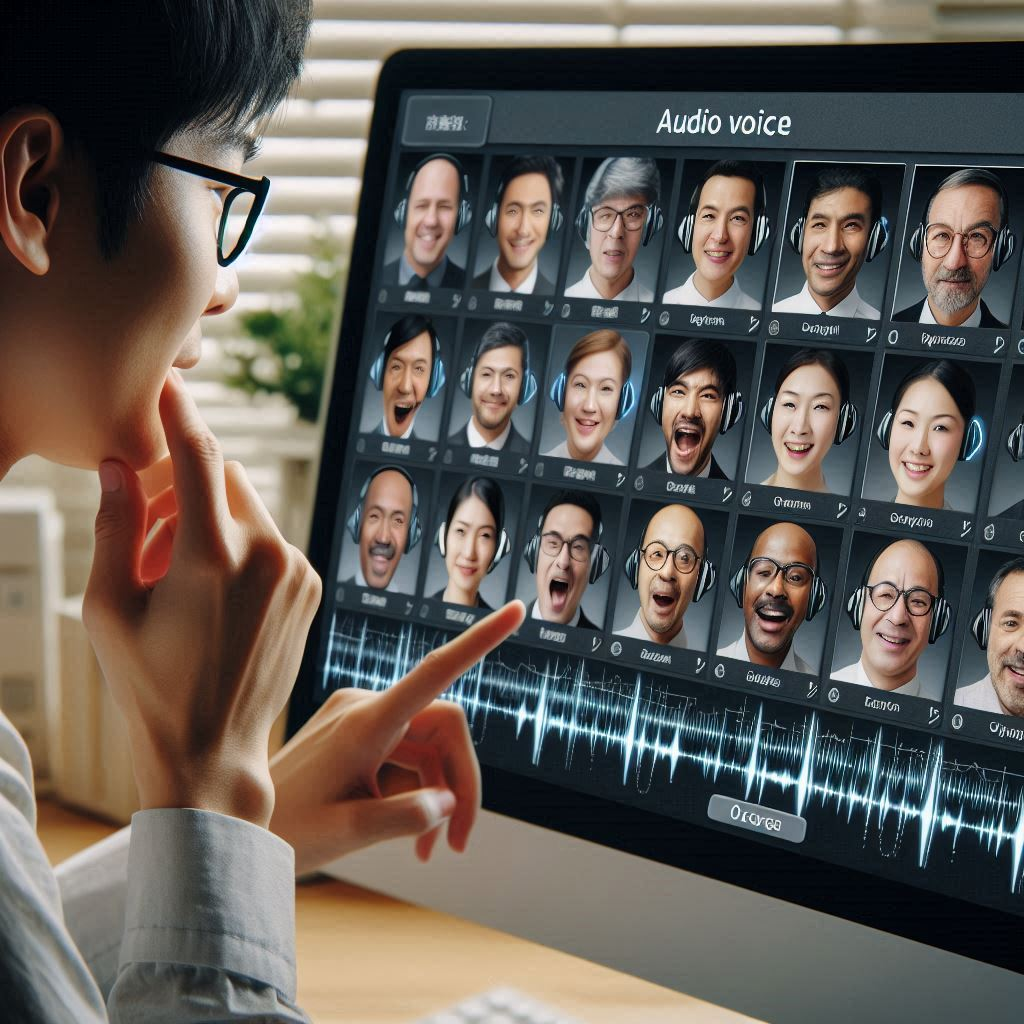
- The user is asked to choose a voice from their Google Workspace library - the largest library of AI-powered voices.
- An audiobook is generated using the text-to-speech tool that is configured for that site
- The user is asked to supply a cover photo
- The audiobook is then published on their Multimediacart Web site
- When visitors preview or buy the audiobook - they can view a visualizer as the words are read.
The Importance of Thumbs and Buttons
 |
 |
|
Product thumbs, Images, and Buttons
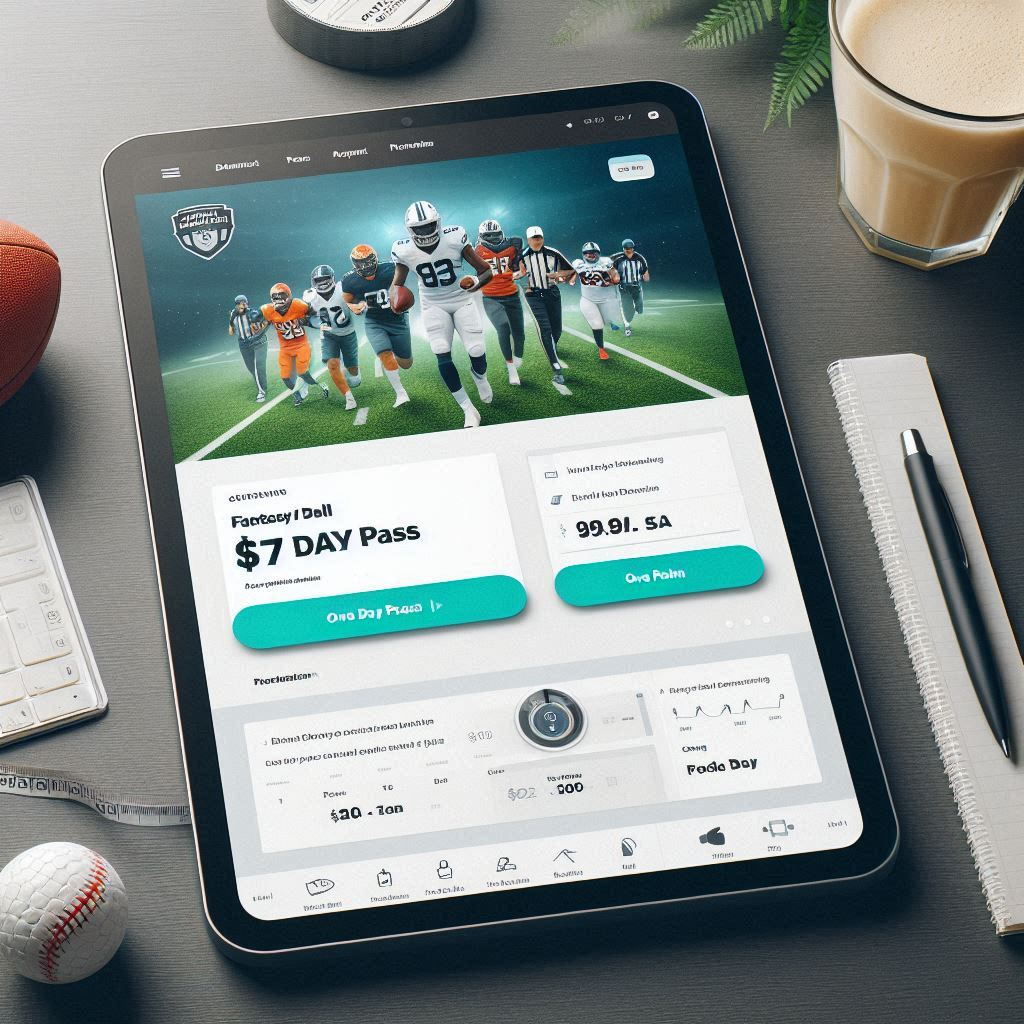
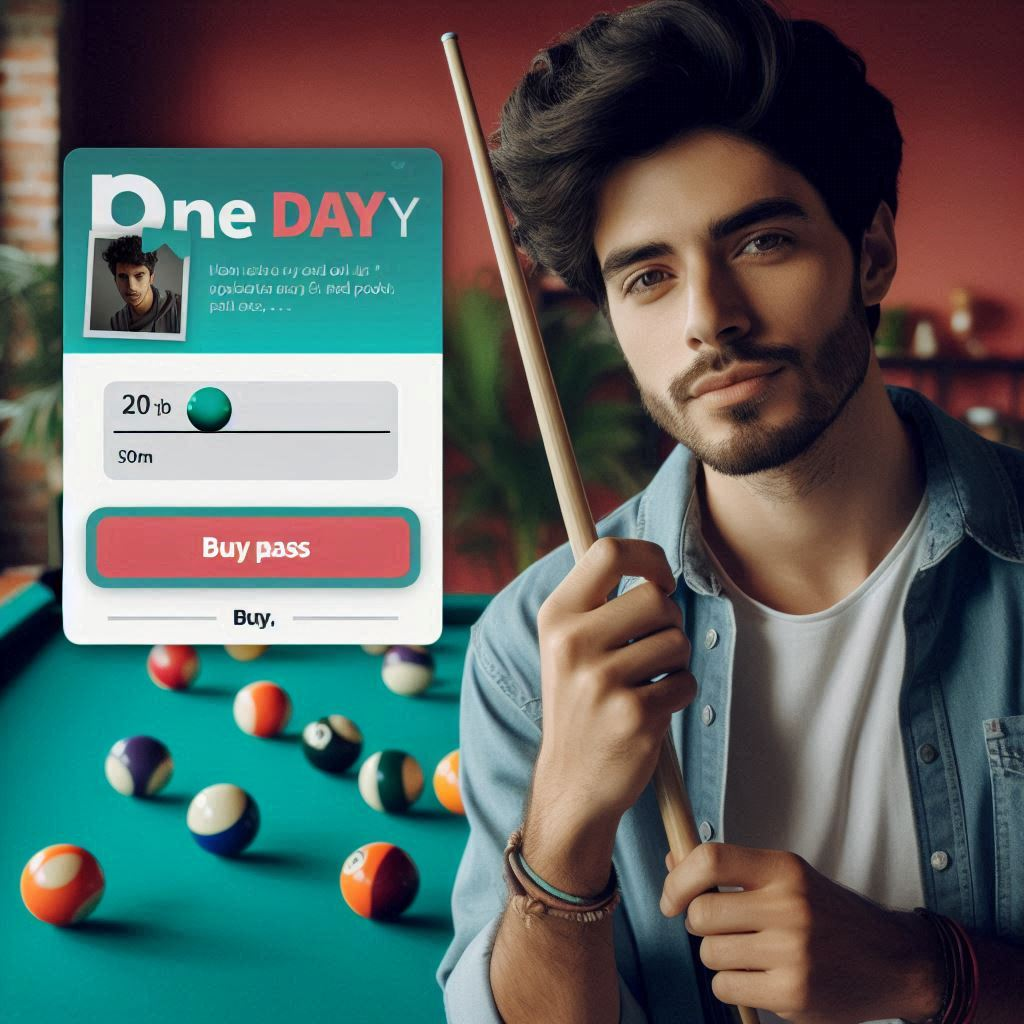
In a world where customers are only willing to view a product for a few seconds, the importance of e-commerce product pages, product thumbs and buttons - is huge. Just how huge - we don't know. But it can be assumed that the more attractive, elegant and clear the graphic - the more sales. Multimediacart permits users to implement custom designed pages, thumbs, images and buttons. Our billing features permit users to create a thumb that matches any transaction type that is desired.
Benefits of Effective Thumbnail Images
- First Impressions: Thumbnails are often the first thing potential customers see. High-quality, visually appealing thumbnails can grab attention and entice users to click on your product.
- Visual Appeal: Attractive thumbnails can make your product stand out in a crowded marketplace, increasing the likelihood of clicks and conversions.
- Information at a Glance: Thumbnails can provide a quick visual summary of the product, helping customers understand what they are looking at without needing to read lengthy descriptions.
- Brand Consistency: Consistent and well-designed thumbnails can reinforce your brand identity and create a cohesive look across your online store.
- Increased Engagement: Eye-catching thumbnails can lead to higher engagement rates, as users are more likely to explore products that visually appeal to them.
Benefits of Effective Buttons
- Clear Call to Action: Well-designed buttons with clear labels (e.g., “Buy Now,” “Add to Cart”) guide users towards the desired action, making the purchasing process smoother.
- Enhanced User Experience: Intuitive and easily clickable buttons improve the overall user experience, reducing frustration and increasing the likelihood of completing a purchase.
- Visual Hierarchy: Effective buttons help establish a visual hierarchy on the page, directing users’ attention to important actions and information.
- Mobile Friendliness: Properly sized and positioned buttons are essential for mobile users, ensuring that they can easily interact with your site on smaller screens.
- Increased Conversions: Clear and compelling buttons can lead to higher conversion rates, as they make it easier for customers to take the next step in the buying process.
Multimediacart Package allows users to implement custom buttons, images and thumbs. Mediagration can then connect button functions with specific transaction logic; to allow the preview, sale, rental, subscription - for any type of transaction. In 2025, we plan on releasing a thumbnail creator and editor. that will allow any style of thumb to be connected to a wide variety of payment processes.
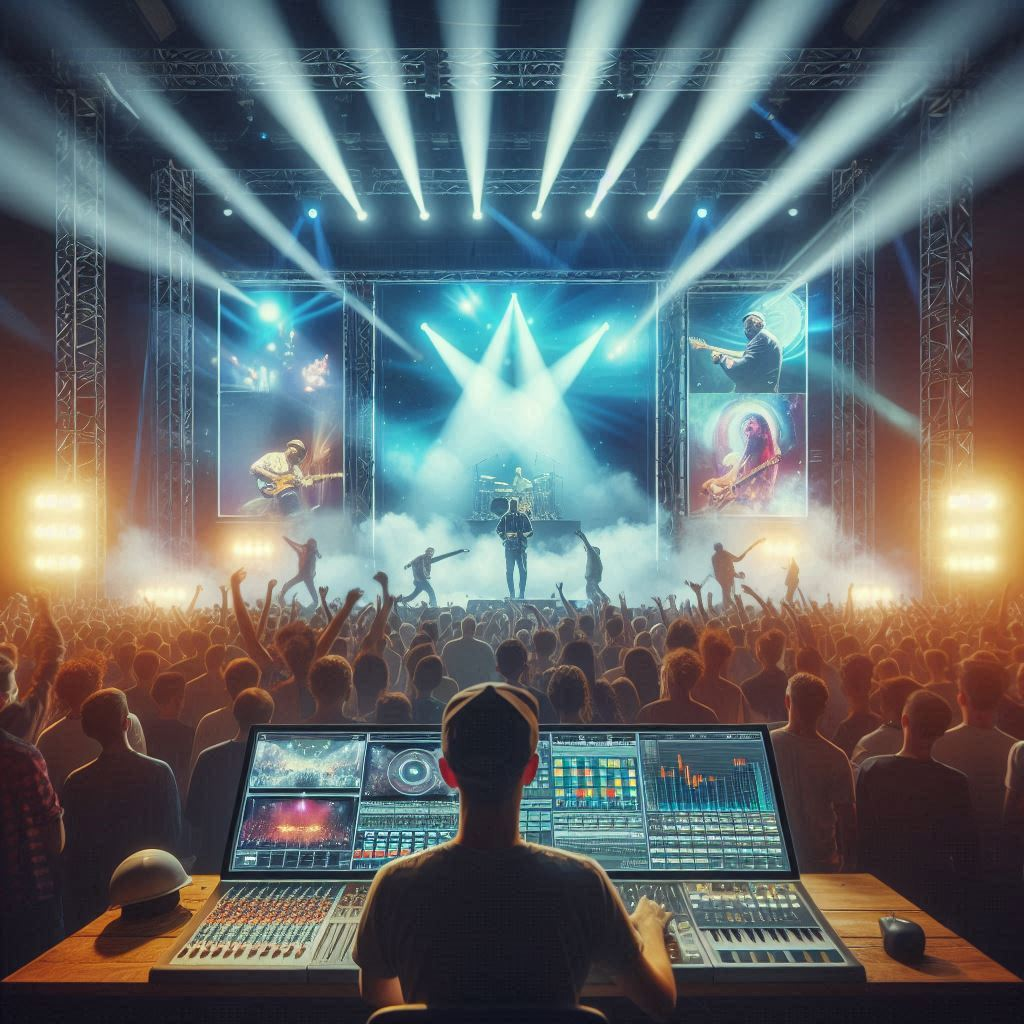 Live streaming a live event involves several key steps to ensure a smooth and engaging experience for viewers. Here’s a general overview of the planning and processing:
- Identify Goals & Intentions: Determine the purpose of the live stream, such as promoting a brand, engaging with an audience, or generating revenue
- Plan Your Live Stream: Outline the event details, including the schedule, content, and key moments to capture
- Choose an Online Video Platform: Select a platform that suits your needs, such as YouTube Live, Facebook Live, or a specialized streaming service
- Set Up Broadcasting Equipment: Gather the necessary equipment, including cameras, microphones, lighting, and capture cards
- Connect Your Encoder: If your camera or other devices does not have built-in encoding, you need an external encoder. Use an encoder to convert the video and audio signals into a format suitable for streaming
- Input Your Sources: Connect all your audio and video sources to the encode
- Create a Live Channel: Set up a live channel on your chosen platform and configure the stream settings.
- Embed Your Stream: If needed, embed the live stream on your website or other platforms.
- Do a Test Run: Perform a test run to ensure everything is working correctly and to troubleshoot any issues.
- Promote Your Event: Advertise the live stream to your audience through social media, email, and other channels.
- Start Streaming: Begin the live stream at the scheduled time and monitor the stream for any issues
- Add a CTA: Include a call-to-action during the stream to engage viewers and encourage interaction
- Replay Your Live Stream: After the event, make the recorded stream available for replay to reach a wider audience
- Live streaming can be a powerful tool for connecting with a global audience in real-time and creating an interactive experience.

Workflow of Live Streaming
Live streaminig utilizes the same basic server setup as on-demand video.
The only significant difference to the workflow is - that the encoding and transcoding of the video is being done by a camera or other encoder device, in real time, fed from a camera stream rather than a HLS segment files. Most live feeds are in the RTMP protocol.
Mediagtration's Multimediapackage makes the process of creating and selling live streams fast and easy.
Mediagration's Multimediacart Package fully supports live streaming, and with the Prodcut Creator, it is possible to setup a live streaming product in seconds.

Ebook on WEbsites for TV Stations
TV Station Website
We will be offering a complete package for TV stations in early 2025. Stand by for announcements of products that provide all the basic features required by TV station Web sites that want to publish media and advertisement content online. Features will include:
- Program Schedule
- Online Programs
- Talent Profiles
- Advertiser Portal
- Viewer Portal
- Community Blog
Because most TV stations are supported by advertising revenue, our TV station Web sites will include comprehensive tools for advertisers to study programming performance, and demographics and purchase ads in suitable program spaces.
Unlike most TV and radio station Web sites, our offering will permit free Web delivery of video and audio content, along with ad-monetized and subscription-based.